
Slite Review 2026: AI Knowledge Base Pros, Cons & Fit
Slite Review 2026: AI Knowledge Base Pros, Cons & Fit
Slite is an AI knowledge base that aims to keep organizational knowledge accurate and up to date. Unlike static wikis, it combines AI-powered search, verification workflows, and integrations with tools like Slack, HubSpot, Linear, GitHub, Jira, and Asana to sync documents with reality. This review examines Slite's ideal users, use cases, strengths, limitations, pricing signals, setup, and decision criteria to help you decide if it fits your team.
What Is Slite?
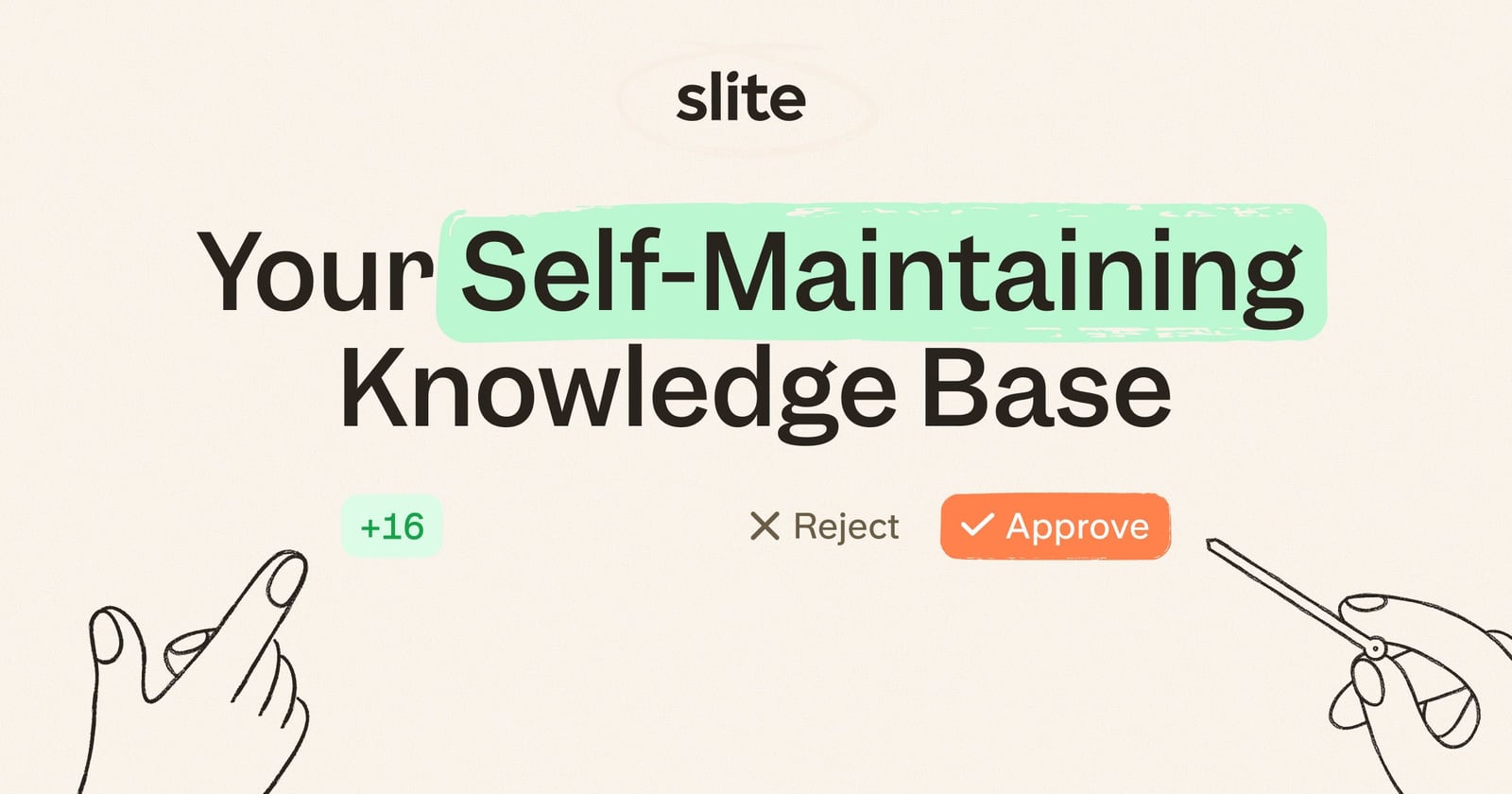
Slite product interface.
Slite is a self-maintaining AI knowledge base designed for teams that need reliable, current information. It positions itself as a knowledge source that is "verified by your team, synced with your tools, trusted by every agent"—emphasizing accuracy for both human users and AI agents. Core features include AI search (Super), an AI Agent that works across web, Slack, API, MCP, and scheduled automations, document history with versioning and diffs, smart tables, analytics, and a source marketplace for connecting data sources.
Slite serves teams across engineering, product, people and operations, and customer support, helping them maintain help centers, troubleshooting guides, compliance documentation, and internal wikis. The value proposition centers on eliminating stale documentation by automatically syncing with connected tools and enabling team verification.
Who Is Slite For? Ideal Users and Use Cases
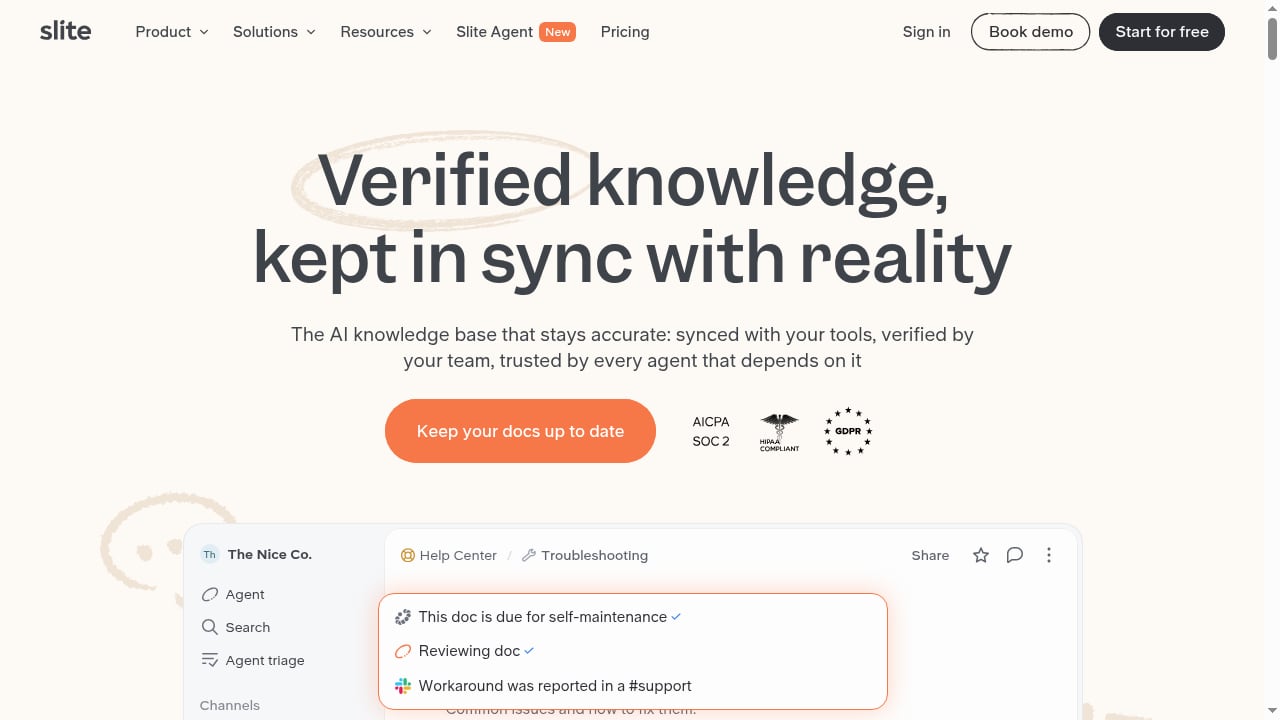
First viewport screenshot of slite.com.
Slite is best suited for teams that prioritize knowledge accuracy and want to reduce the manual burden of keeping documentation current. Based on its features and positioning, ideal users include:
- Customer support teams maintaining help centers and troubleshooting guides that must reflect the latest product changes.
- Engineering and product teams documenting processes, specifications, and technical decisions that integrate with tools like GitHub, Jira, and Linear.
- People and operations teams managing internal wikis, policies, and compliance documentation that require verification and audit trails.
- Compliance and security teams needing versioned, verifiable documentation for audits and regulatory requirements.
- Organizations adopting AI agents that require a trusted knowledge source to answer questions accurately.
Common use cases include:
- Help centers and FAQs that stay synced with support tools and product updates.
- Troubleshooting guides for support and engineering teams.
- Compliance documentation with verification workflows and version history.
- Internal wikis for onboarding, processes, and team knowledge.
- AI-powered search and answers across connected sources.
Strengths: What Slite Does Well

Slite product interface.
Verification Workflows for Accuracy
Slite allows teams to verify individual documents, regardless of location, on any plan. This is a key differentiator: verification signals which content is trustworthy and up to date. For teams that struggle with stale documentation, this feature directly addresses the problem.
AI Search and Agent Capabilities
Slite's AI search (Super) and AI Agent work across web, Slack, API, MCP, and scheduled automations. This means users can ask questions in natural language and get answers from connected sources, reducing time spent searching. The agent engine has been rebuilt to be faster and cheaper (roughly a third of the credits), according to the product context.
Integrations with Everyday Tools
Slite integrates with Slack, HubSpot, Linear, GitHub, Jira, and Asana, among others. These integrations help keep documents synced with reality—for example, a support article can reflect the latest ticket status or a product spec can update with development progress. The source marketplace allows discovering and connecting additional data sources.
Clean, Focused User Experience
Reviewers frequently praise Slite's clean UI and simplicity. Efficient App notes that Slite has "the cleanest UI/UX of all the tools we've tried in the space." This focus reduces the learning curve and encourages adoption across non-technical team members.
Document History and Versioning
Slite includes document history with versioning and diffs, which is valuable for compliance, auditing, and understanding how knowledge evolves. This is particularly useful for teams that need to track changes over time.
Performance Improvements
Slite reports faster table loading (up to 10x) and a rebuilt agent engine that is faster and cheaper. These improvements suggest a focus on scalability and efficiency, which matters for growing teams.
Limitations: What to Consider Before Choosing Slite
Focused Knowledge Base, Not a Project Management Tool
Slite is designed as a knowledge base, not an all-in-one workspace. Teams that need project management, databases, or task tracking may find it less flexible than tools like Notion. As one prospect noted in Slite's comparison, "If mainly knowledge base and sharing is key, Slite is probably the best option." But if you need a hybrid tool, Slite may not replace your project management software.
Pricing Can Be a Barrier for Large Teams
While Slite may be more affordable than some competitors for knowledge base use, pricing scales with users. Teams should evaluate the cost per user, especially if they have many occasional readers. Slite offers reader pricing options, but large organizations should model total cost carefully.
Limited Customization Compared to Notion
Slite prioritizes a streamlined, consistent aesthetic over extensive customization. Teams that want deep customization of layouts, databases, and templates may find Slite less flexible. This is a trade-off for simplicity and focus.
AI Features May Require Setup and Trust
AI search and agents depend on connected sources and verification. Teams need to invest time in setting up integrations and establishing verification workflows to get reliable results. Without proper maintenance, the AI may surface outdated or incorrect information.
Not a Full Help Authoring Tool
While Slite can host help centers, it may lack some advanced help authoring features like multi-channel publishing or granular content reuse. Teams with complex documentation needs should compare it with dedicated help authoring tools. For a broader comparison, see our list of top help authoring and technical documentation software.
Pricing Signals
Slite's pricing is not publicly detailed in the provided sources, but we can infer signals from competitor comparisons. Slite positions itself as a focused knowledge base that can be more cost-effective than all-in-one tools like Notion, especially for teams that don't need project management features. Slite offers reader pricing options, which can reduce costs for occasional users. However, as with any per-user SaaS, costs scale with team size. Teams should request a quote and model costs based on their expected number of editors and readers.
For context, Notion's Business plan starts at 18 per user per month (billed annually), and a 100-person team could pay upwards of 24,000 per year. Slite may be cheaper for knowledge-base-only use cases, but this depends on the specific plan and user mix. Always verify current pricing directly with Slite.
Setup and Getting Started
Setting up Slite involves several steps:
- Import or create content: Start by importing existing documents or creating new ones. Slite's editor is intuitive, so teams can begin writing quickly.
- Connect integrations: Link tools like Slack, HubSpot, Linear, GitHub, Jira, and Asana to sync data. The source marketplace helps discover additional connectors.
- Establish verification workflows: Define who is responsible for verifying documents and how often. Use Slite's verification feature to mark content as trusted.
- Configure AI search and agents: Set up AI search (Super) and the AI Agent to work across web, Slack, API, MCP, and scheduled automations. Train the agent on your knowledge base.
- Organize with smart tables and analytics: Use smart tables to structure data and analytics to track usage and gaps.
- Roll out to teams: Provide training and encourage adoption. Slite's clean UI reduces the learning curve, but teams should still onboard users.
For teams with compliance needs, consider how a compliance administrator can use Slite's verification and versioning features to keep evidence audit-ready.
Decision Criteria: Is Slite Right for Your Team?
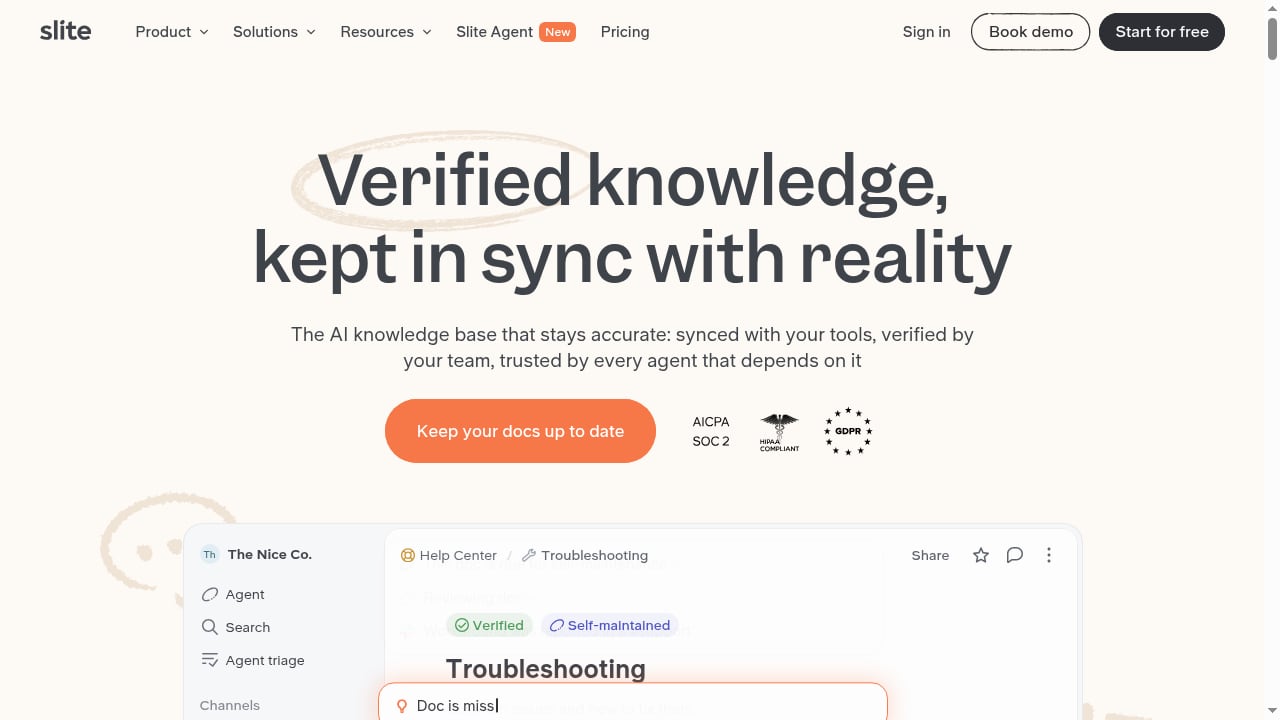
First viewport screenshot of slite.com.
Consider Slite if:
- Knowledge accuracy is critical: You need verification workflows and integrations to keep documentation current.
- You want a focused knowledge base: You don't need project management or databases in the same tool.
- Your team values simplicity: A clean, intuitive UI will drive adoption.
- You use AI agents: You need a trusted knowledge source for AI answers.
- You have compliance requirements: Versioning, diffs, and verification support audits.
Consider alternatives if:
- You need an all-in-one workspace: Tools like Notion offer more flexibility for project management and databases.
- You require extensive customization: Slite's streamlined design may feel limiting.
- You have a very large team with many readers: Model pricing carefully; reader options exist but costs can add up.
- You need advanced help authoring: Dedicated tools may offer more publishing and content reuse features. For a comparison, see HelpLook vs KnowledgeBase vs TeamSupport.
Slite vs Notion: A Quick Comparison
Slite and Notion are often compared. According to Slite's own comparison, teams switch from Notion to Slite primarily due to pricing, overwhelming complexity for non-technical users, low company-wide adoption, and search performance at scale. Slite emphasizes a focused knowledge base with verification, while Notion is a broader workspace with databases and project management. If your primary need is a reliable, verifiable knowledge base, Slite may be a better fit. If you need a flexible workspace for multiple use cases, Notion might be preferable.
For another take on team wikis, see our Outline review.
Related reading
- How to Use HelpLook with CoSupport AI: Setup & Workflow - Learn how to connect HelpLook's AI knowledge base with CoSupport AI to automate ticket resolution, draft replies, and reduce support costs.
Frequently Asked Questions
What is Slite best used for?
Slite is best used as an AI knowledge base for teams that need accurate, up-to-date documentation. It excels at help centers, troubleshooting guides, compliance documentation, and internal wikis, especially when integrated with tools like Slack, HubSpot, and Jira.
How does Slite keep knowledge up to date?
Slite uses verification workflows and integrations with connected tools to sync documents with reality. Team members verify content, and integrations pull in updates from sources like GitHub, Jira, and Asana, reducing stale information.
Does Slite have AI search?
Yes, Slite offers AI search (Super) and an AI Agent that works across web, Slack, API, MCP, and scheduled automations. The agent engine has been rebuilt to be faster and cheaper.
Is Slite good for compliance documentation?
Yes, Slite's document history with versioning and diffs, plus verification workflows, make it suitable for compliance documentation. A compliance administrator can use these features to maintain audit-ready evidence.
How does Slite pricing compare to Notion?
Slite may be more cost-effective for knowledge-base-only use cases, especially for teams that don't need Notion's project management features. However, pricing depends on user mix and plan. Slite offers reader pricing options, which can help control costs. Always request current pricing from Slite.
What integrations does Slite support?
Slite integrates with Slack, HubSpot, Linear, GitHub, Jira, Asana, and more via its source marketplace. These integrations help sync documents with external data.
Can Slite replace a help authoring tool?
Slite can host help centers, but it may lack advanced help authoring features like multi-channel publishing. Teams with complex documentation needs should compare it with dedicated tools.
Conclusion
Slite is a strong choice for teams that prioritize knowledge accuracy and want a focused, AI-powered knowledge base. Its verification workflows, integrations, and clean UI address the common problem of stale documentation. However, it is not an all-in-one workspace, and teams needing project management or extensive customization may find it limiting. Pricing should be evaluated based on team size and reader mix. For organizations adopting AI agents or maintaining compliance documentation, Slite offers compelling features. To decide, assess your need for verification, integrations, and simplicity against your requirements for flexibility and advanced authoring.
For further reading, see Efficient App's Slite review, Slite's comparison with Notion, and G2 user reviews.
;}.cls-2{fill:%230868f7;}.cls-3{fill:url(%23未命名的渐变_44);}.cls-4{fill:%23333;}%3c/style%3e%3clinearGradient%20id='未命名的渐变_8'%20x1='33.73'%20y1='100.61'%20x2='-0.03'%20y2='-1.06'%20gradientUnits='userSpaceOnUse'%3e%3cstop%20offset='0'%20stop-color='%237ae9fb'/%3e%3cstop%20offset='0.67'%20stop-color='%232b90f8'/%3e%3cstop%20offset='1'%20stop-color='%230868f7'/%3e%3c/linearGradient%3e%3clinearGradient%20id='未命名的渐变_44'%20x1='27.86'%20y1='18.67'%20x2='68.36'%20y2='22.22'%20gradientUnits='userSpaceOnUse'%3e%3cstop%20offset='0'%20stop-color='%235ac7f2'/%3e%3cstop%20offset='1'%20stop-color='%230868f7'/%3e%3c/linearGradient%3e%3c/defs%3e%3cpath%20class='cls-1'%20d='M29,28.74V81.91l-9.51-3.68v0L8.52,74A7.17,7.17,0,0,1,4,67.32V24.54A3.76,3.76,0,0,1,9.08,21Z'/%3e%3cpath%20class='cls-2'%20d='M68.09,78.07a13.15,13.15,0,0,1-17.9,12.06L29,81.91h0V28.74L50.19,37A13.17,13.17,0,0,0,68.08,25.3h0Z'/%3e%3cpath%20class='cls-3'%20d='M68.08,25.3a13.19,13.19,0,0,1-6.73,10.87A13.09,13.09,0,0,1,50.19,37L29,28.74V6A3.76,3.76,0,0,1,34.1,2.52l25.59,9.91A13.22,13.22,0,0,1,68.08,25.3Z'/%3e%3cpath%20class='cls-4'%20d='M129.06,81.76a4.33,4.33,0,0,1-3.19-1.31,4.4,4.4,0,0,1-1.31-3.24V56.86H97.65V77.21a4.36,4.36,0,0,1-1.35,3.2A4.68,4.68,0,0,1,93,81.76a4.32,4.32,0,0,1-3.19-1.31,4.37,4.37,0,0,1-1.32-3.24V27.27A4.58,4.58,0,0,1,89.83,24a4.59,4.59,0,0,1,7.82,3.27V48.15h26.91V27.27A4.58,4.58,0,0,1,125.91,24a4.59,4.59,0,0,1,7.82,3.27V77.21a4.37,4.37,0,0,1-1.36,3.2A4.65,4.65,0,0,1,129.06,81.76Z'/%3e%3cpath%20class='cls-4'%20d='M163.77,81.66c-6.57,0-11.76-1.92-15.44-5.7s-5.54-9.07-5.54-15.74a26.76,26.76,0,0,1,2.09-10.43,17.72,17.72,0,0,1,6.67-8.06,19.15,19.15,0,0,1,10.68-2.95,19,19,0,0,1,10.46,2.8,18.7,18.7,0,0,1,6.55,7.36,22.53,22.53,0,0,1,2.36,10.28A4.51,4.51,0,0,1,177,63.77H152.23a10.8,10.8,0,0,0,3.49,6.65c2,1.68,4.88,2.52,8.66,2.52a22.25,22.25,0,0,0,7.54-1.21c.74-.3,1.55-.67,2.37-1.07a3.75,3.75,0,0,1,1.84-.4,4.09,4.09,0,0,1,3,1.15,4,4,0,0,1,1.12,3,4.38,4.38,0,0,1-2.58,3.82,32.34,32.34,0,0,1-6.36,2.61A28.67,28.67,0,0,1,163.77,81.66ZM172.4,55.9a9.72,9.72,0,0,0-1.63-4.56A9.9,9.9,0,0,0,167,48a10.38,10.38,0,0,0-4.64-1.14,12,12,0,0,0-4.77,1.06,9.54,9.54,0,0,0-4.89,5.66,11.78,11.78,0,0,0-.51,2.3Z'/%3e%3cpath%20class='cls-4'%20d='M193,81.64a4.49,4.49,0,0,1-4.51-4.55V27.28A4.58,4.58,0,0,1,189.84,24a4.48,4.48,0,0,1,3.28-1.36A4.36,4.36,0,0,1,196.35,24a4.46,4.46,0,0,1,1.31,3.31V77.09a4.34,4.34,0,0,1-1.35,3.2A4.67,4.67,0,0,1,193,81.64Z'/%3e%3cpath%20class='cls-4'%20d='M263.79,81.71a5.7,5.7,0,0,1-4.2-1.74,5.76,5.76,0,0,1-1.73-4.19V27.37a4.58,4.58,0,0,1,1.35-3.27A4.59,4.59,0,0,1,267,27.37V72.53h24a4.58,4.58,0,0,1,3.27,7.82A4.66,4.66,0,0,1,291,81.71Z'/%3e%3cpath%20class='cls-4'%20d='M424.48,81.74a4.71,4.71,0,0,1-2.71-.88,5.43,5.43,0,0,1-1-1l-.07-.09-12.41-17-5.41,5v9.44a4.31,4.31,0,0,1-1.36,3.19,4.66,4.66,0,0,1-3.3,1.36A4.29,4.29,0,0,1,395,80.42a4.36,4.36,0,0,1-1.32-3.23V27.37A4.58,4.58,0,0,1,395,24.1a4.52,4.52,0,0,1,6.58.12,4.54,4.54,0,0,1,1.24,3.15V56.31l17.72-16.38.05,0a4.8,4.8,0,0,1,2.94-1.11,4.4,4.4,0,0,1,3.27,1.2,4.57,4.57,0,0,1,1.2,3.27,4.44,4.44,0,0,1-.77,2.33,7.45,7.45,0,0,1-1.43,1.65l-11,9.64,13.34,17.68a5,5,0,0,1,1,2.71,4.12,4.12,0,0,1-1.36,3.24A4.64,4.64,0,0,1,424.48,81.74Z'/%3e%3cpath%20class='cls-4'%20d='M317.93,81.76a21.5,21.5,0,1,1,21.17-21.5A21.37,21.37,0,0,1,317.93,81.76Zm0-34.1a12.61,12.61,0,1,0,12.42,12.6A12.52,12.52,0,0,0,317.93,47.66Z'/%3e%3cpath%20class='cls-4'%20d='M212.18,101.22a4.12,4.12,0,0,1-3.05-1.26,4.17,4.17,0,0,1-1.26-3.1V43.34a4.37,4.37,0,0,1,1.3-3.14,4.26,4.26,0,0,1,3.13-1.3,4.19,4.19,0,0,1,3.1,1.26,4.32,4.32,0,0,1,1.26,3.16,20.77,20.77,0,0,1,13-4.54,21.51,21.51,0,0,1,0,43,20.51,20.51,0,0,1-13-4.57V96.86a4.15,4.15,0,0,1-1.3,3.06A4.5,4.5,0,0,1,212.18,101.22Zm17.43-53.63c-6.23,0-12.93,4.11-12.93,12.72a12.73,12.73,0,0,0,25.46,0A12.71,12.71,0,0,0,229.61,47.59Z'/%3e%3cpath%20class='cls-4'%20d='M365.76,81.76a21.5,21.5,0,1,1,21.18-21.5A21.37,21.37,0,0,1,365.76,81.76Zm0-34.1a12.61,12.61,0,1,0,12.42,12.6A12.52,12.52,0,0,0,365.76,47.66Z'/%3e%3c/svg%3e)