
Outline Review: Modern Team Wiki for Documentation
Outline Review: A Modern Team Wiki for Internal Documentation
Outline is a team knowledge base and wiki built to pull scattered internal documentation into one searchable, permission-aware workspace. It has been developed in the open for about ten years, has more than 40,000 GitHub stars, and is used by over 2,000 customers. This review looks at where Outline fits, how it works in practice, what it does well, and where teams still need to plan carefully.
If your team keeps answering the same questions in chat, loses product specs in shared drives, or struggles to onboard new hires consistently, Outline is worth a serious evaluation. The question is not whether it is a capable wiki — it is — but whether its model matches how your team works.
What Outline Is and Who It Is For
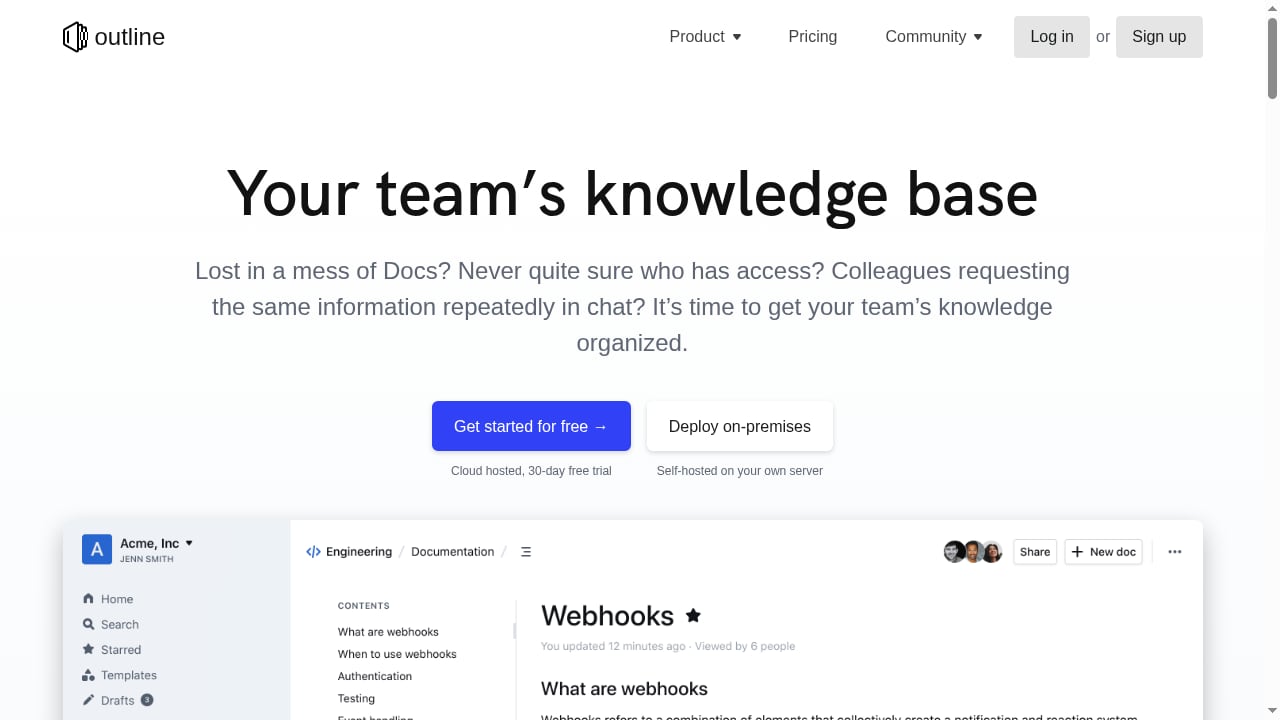
First viewport screenshot of Outline – Team knowledge base & wiki.
Outline is a collaborative writing and knowledge-sharing tool. It organizes internal documentation into collections and documents, with markdown editing, slash commands, interactive embeds, real-time multiplayer collaboration, comments, and threads. Search is a core feature rather than an afterthought, and AI-powered question answering can generate direct answers from documents a user already has permission to access.
Typical content includes:
- Product specs and technical decision records
- Support answers and internal runbooks
- Meeting notes and project updates
- Onboarding materials and team handbooks
- Process documentation and policy pages
Outline tends to fit best when:
- Your team is small to mid-sized and moves quickly.
- You already live in Slack and want knowledge surfaced there.
- You need both cloud-hosted and self-hosted deployment options.
- You want a clean writing experience without heavy configuration.
- You care about permission-aware search and AI answers.
It tends to fit less well when:
- You need complex workflow automation, approvals, or database-style views.
- Your organization requires deep enterprise governance features out of the box.
- You want a single tool that doubles as a project management system.
Key Strengths in Daily Use
Editing and collaboration
Outline's editor is fast and unobtrusive. Markdown support, slash commands, and interactive embeds mean writers can format content without leaving the keyboard. Real-time multiplayer collaboration and comments make it practical for teams to draft and review documents together rather than passing files around.
Search and AI answers
Search is one of Outline's strongest arguments. Instead of returning a list of loosely related pages, AI-powered question answering can produce a direct answer drawn from documents the user is permitted to see. That permission-aware behavior matters: it reduces the risk of AI surfacing content someone should not read.
This is also where a knowledge base becomes strategic. If you are planning to put AI agents in front of your support or internal helpdesk, the quality of the underlying knowledge matters more than the model. Our analysis of building an AI-ready helpdesk foundation covers why structured, permission-aware documentation is the prerequisite for reliable self-service.
Slack integration
Outline's Slack integration lets people search, share, and ask questions without leaving chat. Notifications can be posted to channels when documents are updated. For teams that already coordinate in Slack, this closes the gap between conversation and documentation — the answer can be found where the question was asked.
Public sharing
Individual documents or entire collections can be shared via a single link. This is useful for customer-facing help content, partner documentation, or anything that should be readable without a full account.
Deployment flexibility
Outline supports cloud-hosted deployment with a 30-day free trial and self-hosted on-premises deployment. For teams with data residency or security requirements, self-hosting is a meaningful differentiator.
Limitations and Trade-offs
First viewport screenshot of 2020 in Review – Changelog.
No review is useful without honest constraints. Based on the product's positioning and feature set, consider these points before committing:
- Wiki-first, not workflow-first. Outline is designed for documentation, not for managing tasks, sprints, or approval chains. If you need those, expect to pair it with other tools.
- Self-hosting is a commitment. Running Outline on your own infrastructure gives you control, but it also means you own upgrades, backups, and availability. Teams without operational capacity should weigh the cloud option carefully.
- AI answers depend on content quality. Permission-aware AI is only as good as the documents it reads. Sparse, outdated, or poorly structured pages will produce weak answers.
- Adoption is a people problem. Like any wiki, Outline succeeds only if teams actually write and maintain content. Without ownership and review habits, even a fast editor becomes a graveyard of stale pages.
- Pricing signals require a direct check. Outline's public materials emphasize the free trial and deployment options rather than a fixed public price list. Treat any specific number you see elsewhere as unverified and confirm current terms directly with Outline.
Setup and Migration Considerations
A realistic Outline rollout usually follows a few phases:
- Start with one high-pain use case. Onboarding or support answers are common first collections because the value is easy to measure.
- Define a simple structure. Collections should map to how people actually look for information, not to your org chart.
- Import and prune. Bring over existing documents, then delete or archive what is outdated. Migrating clutter just moves the problem.
- Connect Slack early. Surfacing Outline in the channels where questions already happen drives adoption faster than a launch announcement.
- Assign owners. Every collection needs someone responsible for accuracy and review cadence.
- Review search behavior. Look at what people search for and what they fail to find. Those gaps are your next documentation priorities.
For teams with strict security requirements, self-hosting adds an infrastructure planning step: environment sizing, authentication integration, backup strategy, and upgrade process. Budget time for this before promising a launch date.
Outline vs. Other Knowledge Base Approaches
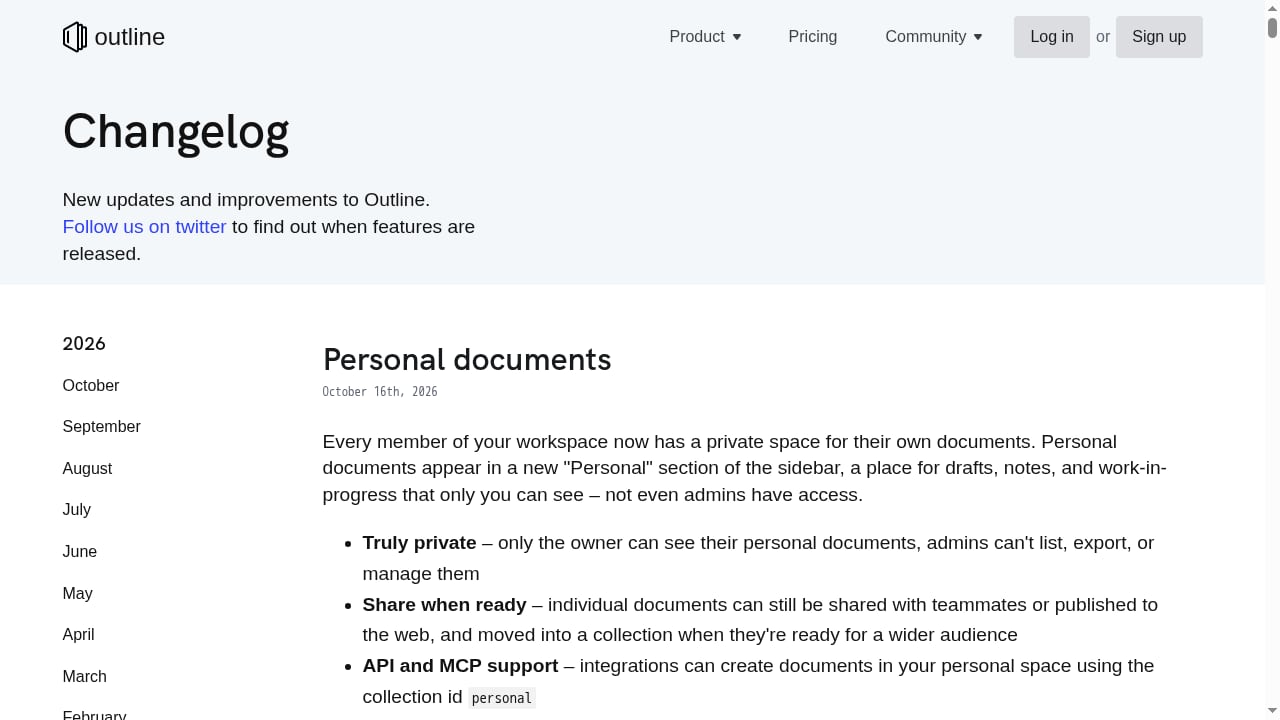
First viewport screenshot of Changelog.
| Approach | Best for | Main trade-off |
|---|---|---|
| Outline | Fast, collaborative internal wikis with strong search and Slack integration | Less suited to heavy workflow or project management needs |
| Traditional enterprise wikis | Large organizations with complex governance requirements | Often slower to edit and heavier to administer |
| Shared drives and chat history | Very small teams with minimal documentation needs | Knowledge fragments quickly and becomes hard to search |
| Helpdesk knowledge bases | Customer-facing support content | Usually narrower in scope than a full internal wiki |
If your primary goal is customer self-service rather than internal documentation, a dedicated helpdesk knowledge base may be a better fit. If your goal is a single home for internal knowledge that your team actually enjoys using, Outline is a strong candidate.
Decision Criteria: Should You Choose Outline?
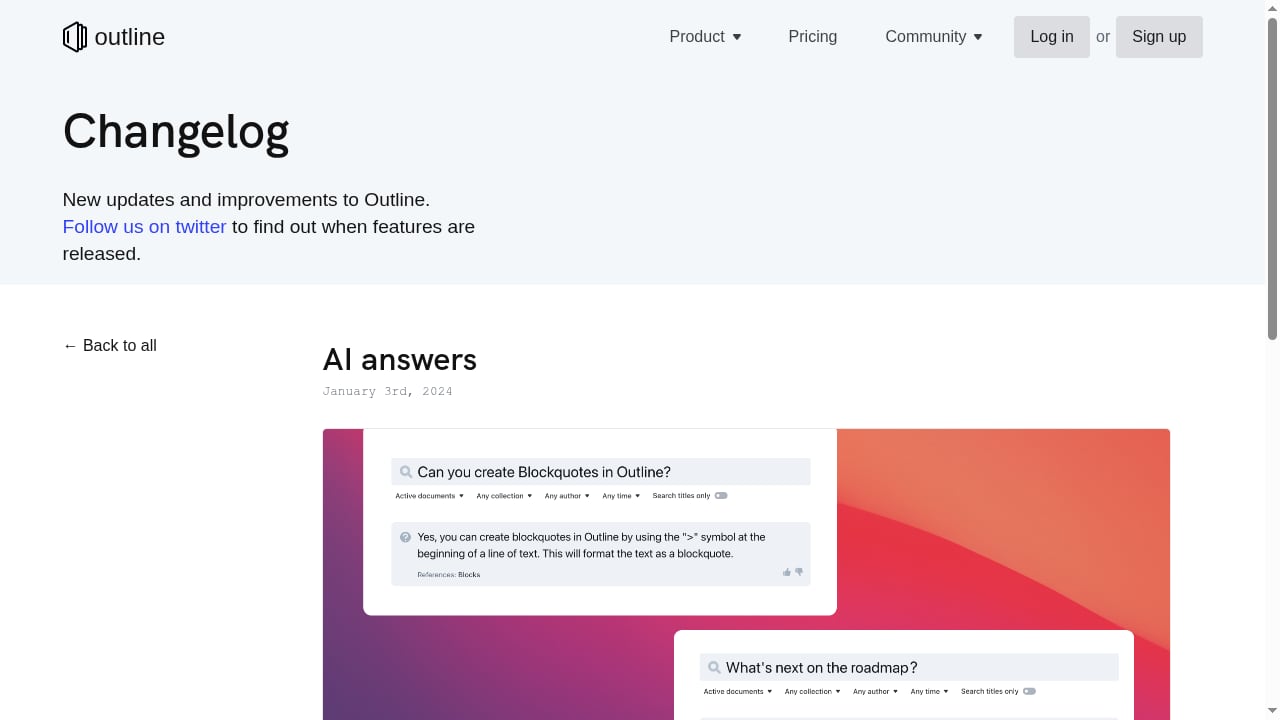
First viewport screenshot of AI answers – Changelog.
Ask these questions before deciding:
- Where does knowledge currently live? If it is spread across drives, chat, and personal notes, a centralized wiki has clear value.
- How important is search quality? If people cannot find answers, documentation has no return. Outline's search and AI answering are central strengths.
- Do you need self-hosting? If yes, confirm you have the operational capacity to run it.
- How Slack-centric is your team? The tighter your Slack usage, the more value the integration delivers.
- Who will own content quality? Without named owners, no wiki stays accurate.
- What is your budget model? Request current pricing directly and compare it against the cost of the status quo: repeated questions, slow onboarding, and duplicated work.
For a broader view of how documentation quality connects to AI-driven support, see our related analysis of AI-ready knowledge foundations.
Sources and further reading
- Outline review – Rachel Cusk's Greek chorus enthrals and appals - Rachel Cusk's daring new novel finds the narrator submerged by a cacophony of vivid voices off, writes Julie Myerson
- Rachel Cusk's 'Outline' - The New York Times - Jan 7, 2015 ... The narrator of Rachel Cusk's lethally intelligent novel, “Outline,” is a cipher who inspires other people to confess. ... The Book Review Podcast ...
- Review of Rachel Cusk’s Outline - This is a review of Rachel Cusk's Outline. Yet it's also a fine opportunity to talk a bit about what literary fiction is and isn't.
FAQ
Is Outline good for small teams?
Yes. Outline's fast editor and low configuration overhead make it practical for small teams that want a shared wiki without a lengthy rollout. The main requirement is that someone owns content quality.
Can Outline be self-hosted?
Yes. Outline supports self-hosted on-premises deployment in addition to cloud hosting. Self-hosting gives you control over data and infrastructure, but you are responsible for maintenance and upgrades.
Does Outline have AI features?
Yes. Outline offers AI-powered question answering that generates direct answers from documents the user has permission to access. The quality of those answers depends on the quality of your documentation.
How does Outline integrate with Slack?
Outline's Slack integration allows users to search, share, and ask questions without leaving chat. Channels can also receive notifications when documents are updated.
Is there a free trial?
Outline offers a 30-day free trial for its cloud-hosted option. For current pricing and plan details, check directly with Outline, since public pricing information is not consistently published.
Can Outline replace a helpdesk?
Not entirely. Outline is a knowledge base, not a ticketing or customer support platform. It can serve as the documentation layer behind a helpdesk, but support workflows usually need a dedicated tool.
Conclusion
Outline is a well-executed team wiki with a clear point of view: documentation should be fast to write, easy to find, and available where people already work. Its editing experience, permission-aware search, AI answering, Slack integration, and self-hosting option make it a credible choice for teams drowning in scattered documents.
The limitations are equally clear. Outline is not a project management tool, self-hosting carries operational weight, and AI answers will only be as good as the content behind them. Teams that treat documentation as an ongoing practice — with owners, review cycles, and a habit of writing things down — will get the most from it.
If your team is ready to consolidate internal knowledge into one searchable home, Outline deserves a place on your shortlist. Start with a focused pilot, measure whether questions get answered faster, and let that evidence guide the wider rollout.
;}.cls-2{fill:%230868f7;}.cls-3{fill:url(%23未命名的渐变_44);}.cls-4{fill:%23333;}%3c/style%3e%3clinearGradient%20id='未命名的渐变_8'%20x1='33.73'%20y1='100.61'%20x2='-0.03'%20y2='-1.06'%20gradientUnits='userSpaceOnUse'%3e%3cstop%20offset='0'%20stop-color='%237ae9fb'/%3e%3cstop%20offset='0.67'%20stop-color='%232b90f8'/%3e%3cstop%20offset='1'%20stop-color='%230868f7'/%3e%3c/linearGradient%3e%3clinearGradient%20id='未命名的渐变_44'%20x1='27.86'%20y1='18.67'%20x2='68.36'%20y2='22.22'%20gradientUnits='userSpaceOnUse'%3e%3cstop%20offset='0'%20stop-color='%235ac7f2'/%3e%3cstop%20offset='1'%20stop-color='%230868f7'/%3e%3c/linearGradient%3e%3c/defs%3e%3cpath%20class='cls-1'%20d='M29,28.74V81.91l-9.51-3.68v0L8.52,74A7.17,7.17,0,0,1,4,67.32V24.54A3.76,3.76,0,0,1,9.08,21Z'/%3e%3cpath%20class='cls-2'%20d='M68.09,78.07a13.15,13.15,0,0,1-17.9,12.06L29,81.91h0V28.74L50.19,37A13.17,13.17,0,0,0,68.08,25.3h0Z'/%3e%3cpath%20class='cls-3'%20d='M68.08,25.3a13.19,13.19,0,0,1-6.73,10.87A13.09,13.09,0,0,1,50.19,37L29,28.74V6A3.76,3.76,0,0,1,34.1,2.52l25.59,9.91A13.22,13.22,0,0,1,68.08,25.3Z'/%3e%3cpath%20class='cls-4'%20d='M129.06,81.76a4.33,4.33,0,0,1-3.19-1.31,4.4,4.4,0,0,1-1.31-3.24V56.86H97.65V77.21a4.36,4.36,0,0,1-1.35,3.2A4.68,4.68,0,0,1,93,81.76a4.32,4.32,0,0,1-3.19-1.31,4.37,4.37,0,0,1-1.32-3.24V27.27A4.58,4.58,0,0,1,89.83,24a4.59,4.59,0,0,1,7.82,3.27V48.15h26.91V27.27A4.58,4.58,0,0,1,125.91,24a4.59,4.59,0,0,1,7.82,3.27V77.21a4.37,4.37,0,0,1-1.36,3.2A4.65,4.65,0,0,1,129.06,81.76Z'/%3e%3cpath%20class='cls-4'%20d='M163.77,81.66c-6.57,0-11.76-1.92-15.44-5.7s-5.54-9.07-5.54-15.74a26.76,26.76,0,0,1,2.09-10.43,17.72,17.72,0,0,1,6.67-8.06,19.15,19.15,0,0,1,10.68-2.95,19,19,0,0,1,10.46,2.8,18.7,18.7,0,0,1,6.55,7.36,22.53,22.53,0,0,1,2.36,10.28A4.51,4.51,0,0,1,177,63.77H152.23a10.8,10.8,0,0,0,3.49,6.65c2,1.68,4.88,2.52,8.66,2.52a22.25,22.25,0,0,0,7.54-1.21c.74-.3,1.55-.67,2.37-1.07a3.75,3.75,0,0,1,1.84-.4,4.09,4.09,0,0,1,3,1.15,4,4,0,0,1,1.12,3,4.38,4.38,0,0,1-2.58,3.82,32.34,32.34,0,0,1-6.36,2.61A28.67,28.67,0,0,1,163.77,81.66ZM172.4,55.9a9.72,9.72,0,0,0-1.63-4.56A9.9,9.9,0,0,0,167,48a10.38,10.38,0,0,0-4.64-1.14,12,12,0,0,0-4.77,1.06,9.54,9.54,0,0,0-4.89,5.66,11.78,11.78,0,0,0-.51,2.3Z'/%3e%3cpath%20class='cls-4'%20d='M193,81.64a4.49,4.49,0,0,1-4.51-4.55V27.28A4.58,4.58,0,0,1,189.84,24a4.48,4.48,0,0,1,3.28-1.36A4.36,4.36,0,0,1,196.35,24a4.46,4.46,0,0,1,1.31,3.31V77.09a4.34,4.34,0,0,1-1.35,3.2A4.67,4.67,0,0,1,193,81.64Z'/%3e%3cpath%20class='cls-4'%20d='M263.79,81.71a5.7,5.7,0,0,1-4.2-1.74,5.76,5.76,0,0,1-1.73-4.19V27.37a4.58,4.58,0,0,1,1.35-3.27A4.59,4.59,0,0,1,267,27.37V72.53h24a4.58,4.58,0,0,1,3.27,7.82A4.66,4.66,0,0,1,291,81.71Z'/%3e%3cpath%20class='cls-4'%20d='M424.48,81.74a4.71,4.71,0,0,1-2.71-.88,5.43,5.43,0,0,1-1-1l-.07-.09-12.41-17-5.41,5v9.44a4.31,4.31,0,0,1-1.36,3.19,4.66,4.66,0,0,1-3.3,1.36A4.29,4.29,0,0,1,395,80.42a4.36,4.36,0,0,1-1.32-3.23V27.37A4.58,4.58,0,0,1,395,24.1a4.52,4.52,0,0,1,6.58.12,4.54,4.54,0,0,1,1.24,3.15V56.31l17.72-16.38.05,0a4.8,4.8,0,0,1,2.94-1.11,4.4,4.4,0,0,1,3.27,1.2,4.57,4.57,0,0,1,1.2,3.27,4.44,4.44,0,0,1-.77,2.33,7.45,7.45,0,0,1-1.43,1.65l-11,9.64,13.34,17.68a5,5,0,0,1,1,2.71,4.12,4.12,0,0,1-1.36,3.24A4.64,4.64,0,0,1,424.48,81.74Z'/%3e%3cpath%20class='cls-4'%20d='M317.93,81.76a21.5,21.5,0,1,1,21.17-21.5A21.37,21.37,0,0,1,317.93,81.76Zm0-34.1a12.61,12.61,0,1,0,12.42,12.6A12.52,12.52,0,0,0,317.93,47.66Z'/%3e%3cpath%20class='cls-4'%20d='M212.18,101.22a4.12,4.12,0,0,1-3.05-1.26,4.17,4.17,0,0,1-1.26-3.1V43.34a4.37,4.37,0,0,1,1.3-3.14,4.26,4.26,0,0,1,3.13-1.3,4.19,4.19,0,0,1,3.1,1.26,4.32,4.32,0,0,1,1.26,3.16,20.77,20.77,0,0,1,13-4.54,21.51,21.51,0,0,1,0,43,20.51,20.51,0,0,1-13-4.57V96.86a4.15,4.15,0,0,1-1.3,3.06A4.5,4.5,0,0,1,212.18,101.22Zm17.43-53.63c-6.23,0-12.93,4.11-12.93,12.72a12.73,12.73,0,0,0,25.46,0A12.71,12.71,0,0,0,229.61,47.59Z'/%3e%3cpath%20class='cls-4'%20d='M365.76,81.76a21.5,21.5,0,1,1,21.18-21.5A21.37,21.37,0,0,1,365.76,81.76Zm0-34.1a12.61,12.61,0,1,0,12.42,12.6A12.52,12.52,0,0,0,365.76,47.66Z'/%3e%3c/svg%3e)