
HelpLook vs ProProfs: AI Knowledge Base & Help Desk Comparison
HelpLook vs ProProfs: Which AI Knowledge Base and Help Desk Fits Your Team?
Choosing between HelpLook and ProProfs can feel like comparing a focused knowledge base platform with a sprawling suite of training and support tools. Both promise AI-powered help centers and ticketing, but they approach the problem from different angles. This comparison breaks down their strengths, weaknesses, pricing signals, and ideal use cases so you can decide which one matches your support and documentation workflow.
What Is HelpLook?
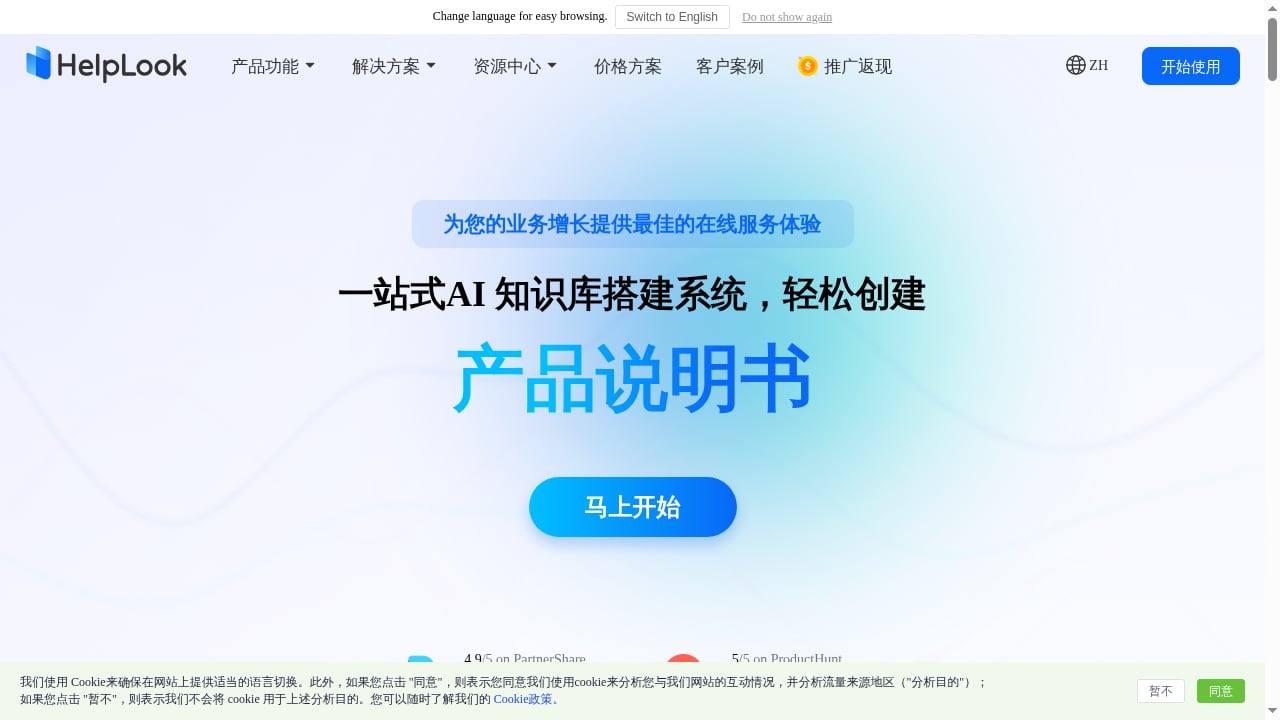
First viewport screenshot of www.helplook.net.
HelpLook is an all-in-one, AI-powered platform for building knowledge bases, help desks, and self-service portals. It lets teams create customer-facing help centers, internal knowledge bases, e-commerce product manuals, and enterprise blogs without writing code. The platform is organized around three components: a Portal for content creators, a Site for customers and employees, and a Widget for embedding into web pages and applications. HelpLook AI enhances the experience for editors, employees, and support teams by analyzing queries and automating responses to repetitive questions.
Key use cases include reducing support costs through self-service, centralizing company knowledge, improving onboarding, and driving organic traffic with SEO-friendly blogs. The company claims over 10,000 companies use HelpLook, and it offers a free tier plus paid plans starting at 19/month for Starter, 59/month for Professional, and custom Enterprise pricing. It positions itself as a low-code, ready-to-use SaaS system that lowers technical barriers and simplifies knowledge management.
What Is ProProfs?
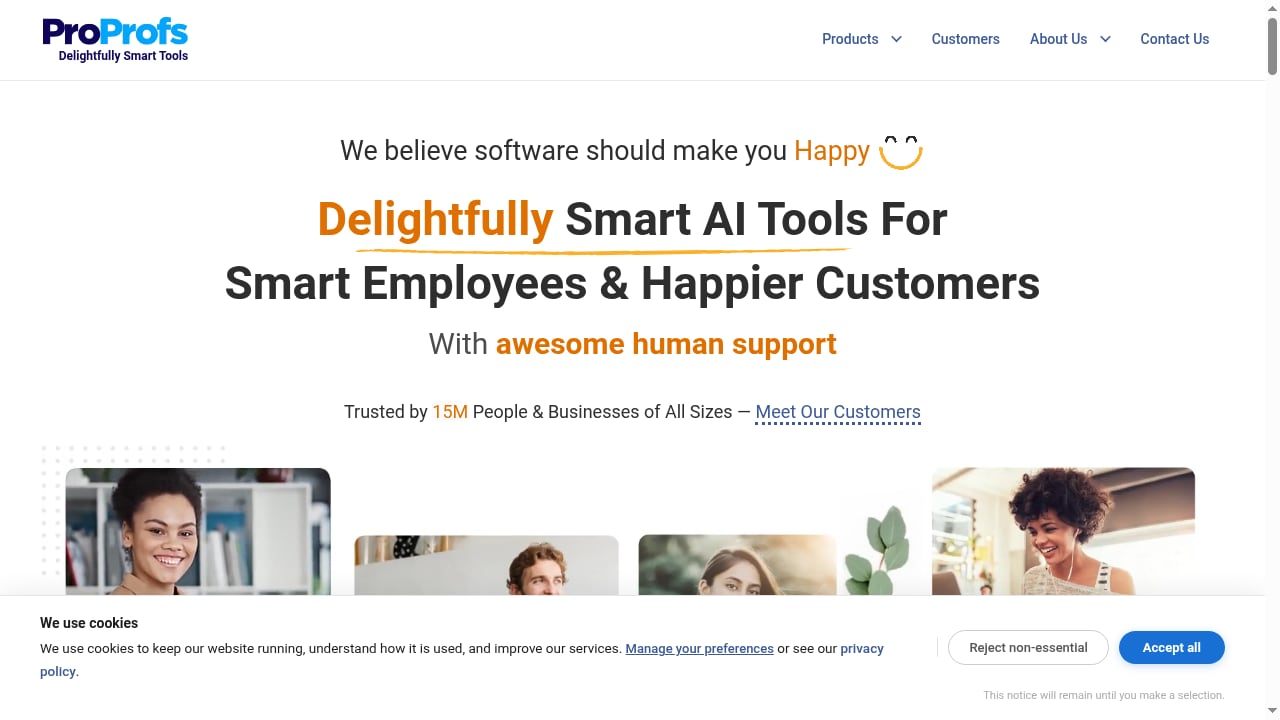
First viewport screenshot of ProProfs: SaaS Software for Training, Customer Support & More.
ProProfs is a SaaS platform offering a suite of tools for training, customer support, and more. Its portfolio includes Training Maker (an AI LMS for employee training), Knowledge Base (AI help center), Quiz Maker, PeopleGoal (performance and goals management), Project (project and task management with AI), CourseNinja (live training courses), Help Desk (AI ticketing, chat, and help center), Live Chat (human and AI agents), Survey Maker, Qualaroo Insights, BIGContacts CRM, Picreel Popups, WebinarNinja, Brain Games, and Flashcards.
ProProfs serves trainers, marketers, educators, and businesses, enabling them to build and test knowledge without expensive software. The platform emphasizes ease of use, AI-powered automation, and a unified Customer Delight Suite for automating customer support. Notable proof points include awards such as the Gold Brandon Hall Excellence Awards, American Business Awards, Best of eLearning, and Academics Choice Awards, as well as recognition as a High Performer by G2. The company has expanded through acquisitions like PeopleGoal and WebinarNinja, reinforcing its commitment to comprehensive learning and HR solutions.
Feature Comparison: HelpLook vs ProProfs
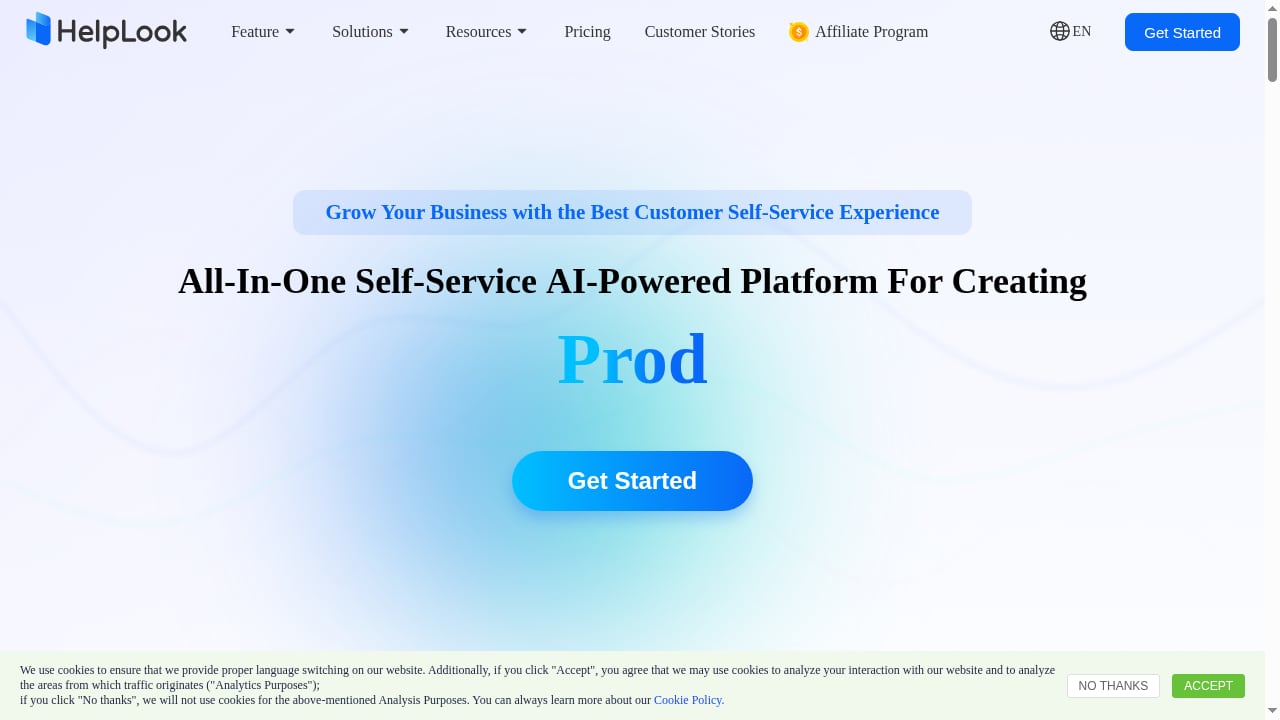
First viewport screenshot of www.helplook.com.
Knowledge Base and Help Center
HelpLook focuses on creating and managing knowledge bases with AI-powered search and automated responses. Its Portal, Site, and Widget architecture supports customer-facing help centers, internal knowledge bases, and embedded help. The platform is designed for low-code setup, so teams can publish content quickly without technical expertise.
ProProfs offers a Knowledge Base tool that functions as an AI help center. It is part of a broader suite, so the knowledge base can integrate with other ProProfs tools like Help Desk and Live Chat. However, the depth of knowledge base-specific features may be less pronounced than in a dedicated platform like HelpLook, which is built entirely around knowledge management.
Help Desk and Ticketing
HelpLook includes help desk capabilities as part of its all-in-one platform, with AI enhancing ticket resolution and support workflows. The focus is on reducing support costs through self-service and centralized knowledge.
ProProfs Help Desk provides AI ticketing, chat, and a help center. It is one module within the larger ProProfs suite, which means it can connect with Live Chat, Survey Maker, and other tools for a more comprehensive customer support stack. Teams looking for an integrated suite may find ProProfs appealing, but those seeking a dedicated knowledge-first help desk might prefer HelpLook's focused approach.
AI Capabilities
Both platforms leverage AI. HelpLook AI analyzes customer queries and provides automated responses to repetitive issues, streamlining support processes. ProProfs emphasizes AI-powered automation across its suite, including AI ticketing, AI agents in Live Chat, and AI in Training Maker and Project. The breadth of AI application in ProProfs is wider due to its many tools, while HelpLook's AI is more concentrated on knowledge base and help desk use cases.
Ease of Use and Setup
HelpLook is described as a zero-code, ready-to-use tool for creating help centers and blog websites. It enables businesses, organizations, and individuals to publish online brand content sites with just a few simple steps. This low-code approach lowers technical barriers and simplifies knowledge management.
ProProfs also emphasizes ease of use, aiming to help users build and test knowledge without expensive software. However, the sheer number of tools in the ProProfs suite may introduce complexity in configuration and navigation, especially for teams that only need a knowledge base or help desk.
Pricing
HelpLook offers a free tier and paid plans starting at 19/month for Starter and 59/month for Professional, with custom Enterprise pricing. A third-party review site lists HelpLook pricing as freemium, from 7.0/month, though the official product context cites 19/month as the Starter price. Potential buyers should verify current pricing directly with HelpLook.
ProProfs pricing is not detailed in the provided sources, but it is known to offer a suite of tools that may be priced individually or as a bundle. Teams should request a quote to understand costs for their specific needs.
When to Choose HelpLook
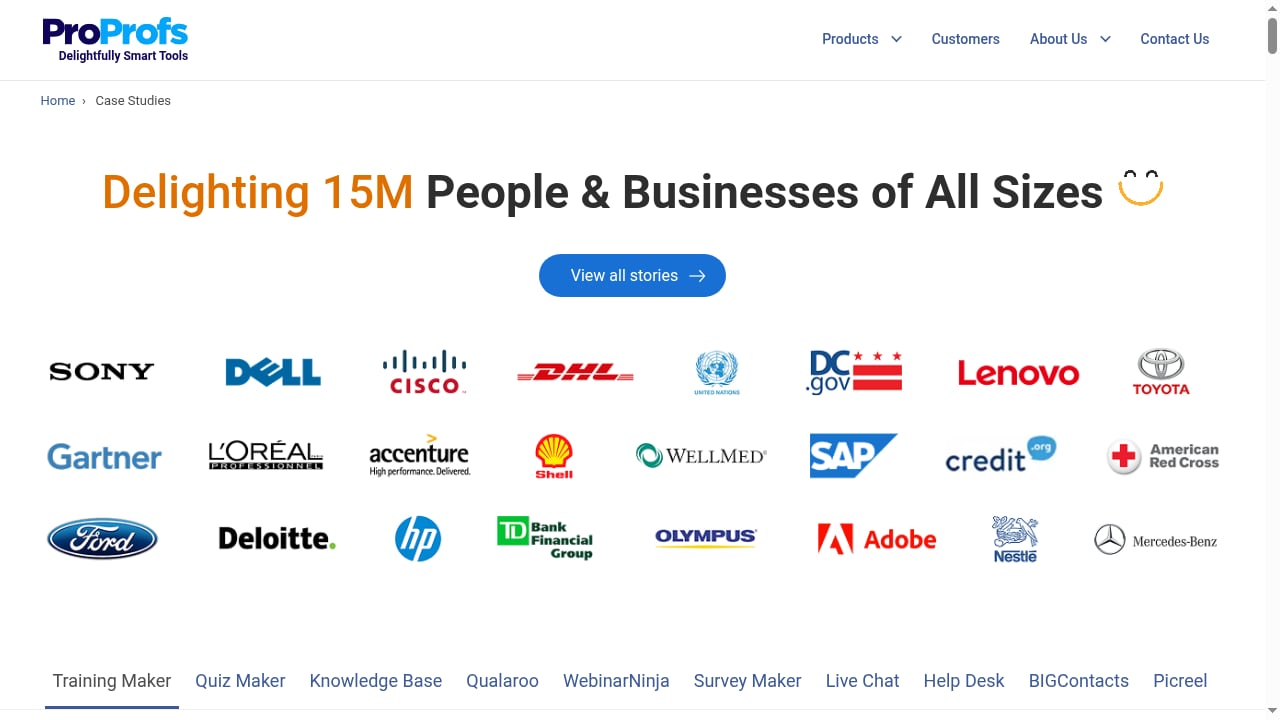
First viewport screenshot of Customer Success Stories & Case Studies - ProProfs.
HelpLook is a strong fit for teams that prioritize a dedicated, AI-powered knowledge base and help desk with a low-code setup. It suits businesses looking to build customer-facing help centers, internal knowledge bases, e-commerce product manuals, or SEO-friendly blogs. The platform's focus on knowledge management and self-service makes it ideal for reducing support costs and centralizing company knowledge. Small to mid-sized teams may appreciate the transparent pricing and free tier.
If you need a standalone knowledge base that integrates with other tools via widgets and APIs, HelpLook's architecture is designed for that. For a deeper look at how HelpLook compares to other knowledge base options, see our HelpLook vs KnowledgeBase vs TeamSupport comparison.
When to Choose ProProfs
ProProfs is better suited for organizations that need a broad suite of training, assessment, and customer support tools in one place. Its Training Maker, Quiz Maker, Survey Maker, and WebinarNinja tools cater to trainers, educators, and marketers who want to build and test knowledge. The Customer Delight Suite aims to automate customer support across ticketing, chat, and help center. Companies that value an integrated ecosystem with awards and G2 recognition may lean toward ProProfs. However, teams seeking a focused knowledge base may find the suite overwhelming and potentially more expensive if they only need one or two modules.
For teams comparing documentation-focused tools, our Slite review and Outline review offer additional perspectives on AI knowledge base software.
Practical Examples
Scenario 1: A SaaS startup needs a customer-facing help center with AI search. HelpLook's low-code portal and AI-powered responses can be set up quickly, with a free tier to start. ProProfs Knowledge Base could work, but the broader suite might be overkill.
Scenario 2: A training company needs to create courses, quizzes, and surveys. ProProfs offers Training Maker, Quiz Maker, and Survey Maker in one platform, providing an integrated learning environment. HelpLook is not designed for course creation or assessments.
Scenario 3: An e-commerce business wants to publish product manuals and reduce support tickets. HelpLook's knowledge base and self-service portal are tailored for this, with SEO-friendly blogs to drive organic traffic. ProProfs Help Desk and Knowledge Base could also support this, but the focus on training tools may not align as closely.
Related reading
- Compliance Administrator: Role, Duties & Knowledge Base - Learn what a compliance administrator does, how the role differs from full admin access, and how an AI knowledge base keeps compliance evidence and answers audit-ready.
- How to Use HelpLook with CoSupport AI: Setup & Workflow - Learn how to connect HelpLook's AI knowledge base with CoSupport AI to automate ticket resolution, draft replies, and reduce support costs.
Frequently Asked Questions
Is HelpLook a good alternative to ProProfs?
HelpLook is a strong alternative if you primarily need an AI-powered knowledge base and help desk with a low-code setup and transparent pricing. ProProfs is better if you need a wide suite of training and assessment tools alongside support.
Does ProProfs offer a free plan?
The provided sources do not specify ProProfs free plan details. HelpLook offers a free tier.
Which platform is better for customer self-service?
Both offer self-service capabilities. HelpLook is built around knowledge management and self-service portals, while ProProfs integrates self-service with its Help Desk and Live Chat tools. The best choice depends on whether you need a focused knowledge base or a broader support suite.
Can I use HelpLook for internal knowledge management?
Yes, HelpLook supports internal knowledge bases for employees, onboarding, and centralizing company knowledge.
How does ProProfs compare on pricing?
ProProfs pricing is not detailed in the sources. HelpLook publishes starting prices at 19/month for Starter and 59/month for Professional, with a free tier.
Conclusion
HelpLook and ProProfs serve different needs. HelpLook is a dedicated, AI-powered knowledge base and help desk platform with a low-code approach, transparent pricing, and a focus on self-service and knowledge management. ProProfs is a comprehensive suite of training, assessment, and customer support tools, ideal for organizations that need an integrated ecosystem for learning and support. Evaluate your primary use case—whether it's knowledge management or a multi-tool suite—to make the right choice. For more comparisons, explore our top help authoring software list.
Sources
;}.cls-2{fill:%230868f7;}.cls-3{fill:url(%23未命名的渐变_44);}.cls-4{fill:%23333;}%3c/style%3e%3clinearGradient%20id='未命名的渐变_8'%20x1='33.73'%20y1='100.61'%20x2='-0.03'%20y2='-1.06'%20gradientUnits='userSpaceOnUse'%3e%3cstop%20offset='0'%20stop-color='%237ae9fb'/%3e%3cstop%20offset='0.67'%20stop-color='%232b90f8'/%3e%3cstop%20offset='1'%20stop-color='%230868f7'/%3e%3c/linearGradient%3e%3clinearGradient%20id='未命名的渐变_44'%20x1='27.86'%20y1='18.67'%20x2='68.36'%20y2='22.22'%20gradientUnits='userSpaceOnUse'%3e%3cstop%20offset='0'%20stop-color='%235ac7f2'/%3e%3cstop%20offset='1'%20stop-color='%230868f7'/%3e%3c/linearGradient%3e%3c/defs%3e%3cpath%20class='cls-1'%20d='M29,28.74V81.91l-9.51-3.68v0L8.52,74A7.17,7.17,0,0,1,4,67.32V24.54A3.76,3.76,0,0,1,9.08,21Z'/%3e%3cpath%20class='cls-2'%20d='M68.09,78.07a13.15,13.15,0,0,1-17.9,12.06L29,81.91h0V28.74L50.19,37A13.17,13.17,0,0,0,68.08,25.3h0Z'/%3e%3cpath%20class='cls-3'%20d='M68.08,25.3a13.19,13.19,0,0,1-6.73,10.87A13.09,13.09,0,0,1,50.19,37L29,28.74V6A3.76,3.76,0,0,1,34.1,2.52l25.59,9.91A13.22,13.22,0,0,1,68.08,25.3Z'/%3e%3cpath%20class='cls-4'%20d='M129.06,81.76a4.33,4.33,0,0,1-3.19-1.31,4.4,4.4,0,0,1-1.31-3.24V56.86H97.65V77.21a4.36,4.36,0,0,1-1.35,3.2A4.68,4.68,0,0,1,93,81.76a4.32,4.32,0,0,1-3.19-1.31,4.37,4.37,0,0,1-1.32-3.24V27.27A4.58,4.58,0,0,1,89.83,24a4.59,4.59,0,0,1,7.82,3.27V48.15h26.91V27.27A4.58,4.58,0,0,1,125.91,24a4.59,4.59,0,0,1,7.82,3.27V77.21a4.37,4.37,0,0,1-1.36,3.2A4.65,4.65,0,0,1,129.06,81.76Z'/%3e%3cpath%20class='cls-4'%20d='M163.77,81.66c-6.57,0-11.76-1.92-15.44-5.7s-5.54-9.07-5.54-15.74a26.76,26.76,0,0,1,2.09-10.43,17.72,17.72,0,0,1,6.67-8.06,19.15,19.15,0,0,1,10.68-2.95,19,19,0,0,1,10.46,2.8,18.7,18.7,0,0,1,6.55,7.36,22.53,22.53,0,0,1,2.36,10.28A4.51,4.51,0,0,1,177,63.77H152.23a10.8,10.8,0,0,0,3.49,6.65c2,1.68,4.88,2.52,8.66,2.52a22.25,22.25,0,0,0,7.54-1.21c.74-.3,1.55-.67,2.37-1.07a3.75,3.75,0,0,1,1.84-.4,4.09,4.09,0,0,1,3,1.15,4,4,0,0,1,1.12,3,4.38,4.38,0,0,1-2.58,3.82,32.34,32.34,0,0,1-6.36,2.61A28.67,28.67,0,0,1,163.77,81.66ZM172.4,55.9a9.72,9.72,0,0,0-1.63-4.56A9.9,9.9,0,0,0,167,48a10.38,10.38,0,0,0-4.64-1.14,12,12,0,0,0-4.77,1.06,9.54,9.54,0,0,0-4.89,5.66,11.78,11.78,0,0,0-.51,2.3Z'/%3e%3cpath%20class='cls-4'%20d='M193,81.64a4.49,4.49,0,0,1-4.51-4.55V27.28A4.58,4.58,0,0,1,189.84,24a4.48,4.48,0,0,1,3.28-1.36A4.36,4.36,0,0,1,196.35,24a4.46,4.46,0,0,1,1.31,3.31V77.09a4.34,4.34,0,0,1-1.35,3.2A4.67,4.67,0,0,1,193,81.64Z'/%3e%3cpath%20class='cls-4'%20d='M263.79,81.71a5.7,5.7,0,0,1-4.2-1.74,5.76,5.76,0,0,1-1.73-4.19V27.37a4.58,4.58,0,0,1,1.35-3.27A4.59,4.59,0,0,1,267,27.37V72.53h24a4.58,4.58,0,0,1,3.27,7.82A4.66,4.66,0,0,1,291,81.71Z'/%3e%3cpath%20class='cls-4'%20d='M424.48,81.74a4.71,4.71,0,0,1-2.71-.88,5.43,5.43,0,0,1-1-1l-.07-.09-12.41-17-5.41,5v9.44a4.31,4.31,0,0,1-1.36,3.19,4.66,4.66,0,0,1-3.3,1.36A4.29,4.29,0,0,1,395,80.42a4.36,4.36,0,0,1-1.32-3.23V27.37A4.58,4.58,0,0,1,395,24.1a4.52,4.52,0,0,1,6.58.12,4.54,4.54,0,0,1,1.24,3.15V56.31l17.72-16.38.05,0a4.8,4.8,0,0,1,2.94-1.11,4.4,4.4,0,0,1,3.27,1.2,4.57,4.57,0,0,1,1.2,3.27,4.44,4.44,0,0,1-.77,2.33,7.45,7.45,0,0,1-1.43,1.65l-11,9.64,13.34,17.68a5,5,0,0,1,1,2.71,4.12,4.12,0,0,1-1.36,3.24A4.64,4.64,0,0,1,424.48,81.74Z'/%3e%3cpath%20class='cls-4'%20d='M317.93,81.76a21.5,21.5,0,1,1,21.17-21.5A21.37,21.37,0,0,1,317.93,81.76Zm0-34.1a12.61,12.61,0,1,0,12.42,12.6A12.52,12.52,0,0,0,317.93,47.66Z'/%3e%3cpath%20class='cls-4'%20d='M212.18,101.22a4.12,4.12,0,0,1-3.05-1.26,4.17,4.17,0,0,1-1.26-3.1V43.34a4.37,4.37,0,0,1,1.3-3.14,4.26,4.26,0,0,1,3.13-1.3,4.19,4.19,0,0,1,3.1,1.26,4.32,4.32,0,0,1,1.26,3.16,20.77,20.77,0,0,1,13-4.54,21.51,21.51,0,0,1,0,43,20.51,20.51,0,0,1-13-4.57V96.86a4.15,4.15,0,0,1-1.3,3.06A4.5,4.5,0,0,1,212.18,101.22Zm17.43-53.63c-6.23,0-12.93,4.11-12.93,12.72a12.73,12.73,0,0,0,25.46,0A12.71,12.71,0,0,0,229.61,47.59Z'/%3e%3cpath%20class='cls-4'%20d='M365.76,81.76a21.5,21.5,0,1,1,21.18-21.5A21.37,21.37,0,0,1,365.76,81.76Zm0-34.1a12.61,12.61,0,1,0,12.42,12.6A12.52,12.52,0,0,0,365.76,47.66Z'/%3e%3c/svg%3e)